
Online Hair Color Photo Editor
Change Hair Color Online
Use AIChangeColor to change hair color online from a regular portrait. The tool is built for quick hair color previews, from everyday brunette and blonde ideas to copper, silver, blue-black, rose gold, and other statement shades.
Because the workflow runs in the browser, you do not need to install editing software or manually mask your hair. Upload a clear image, pick a color, and let the AI create a preview you can download.
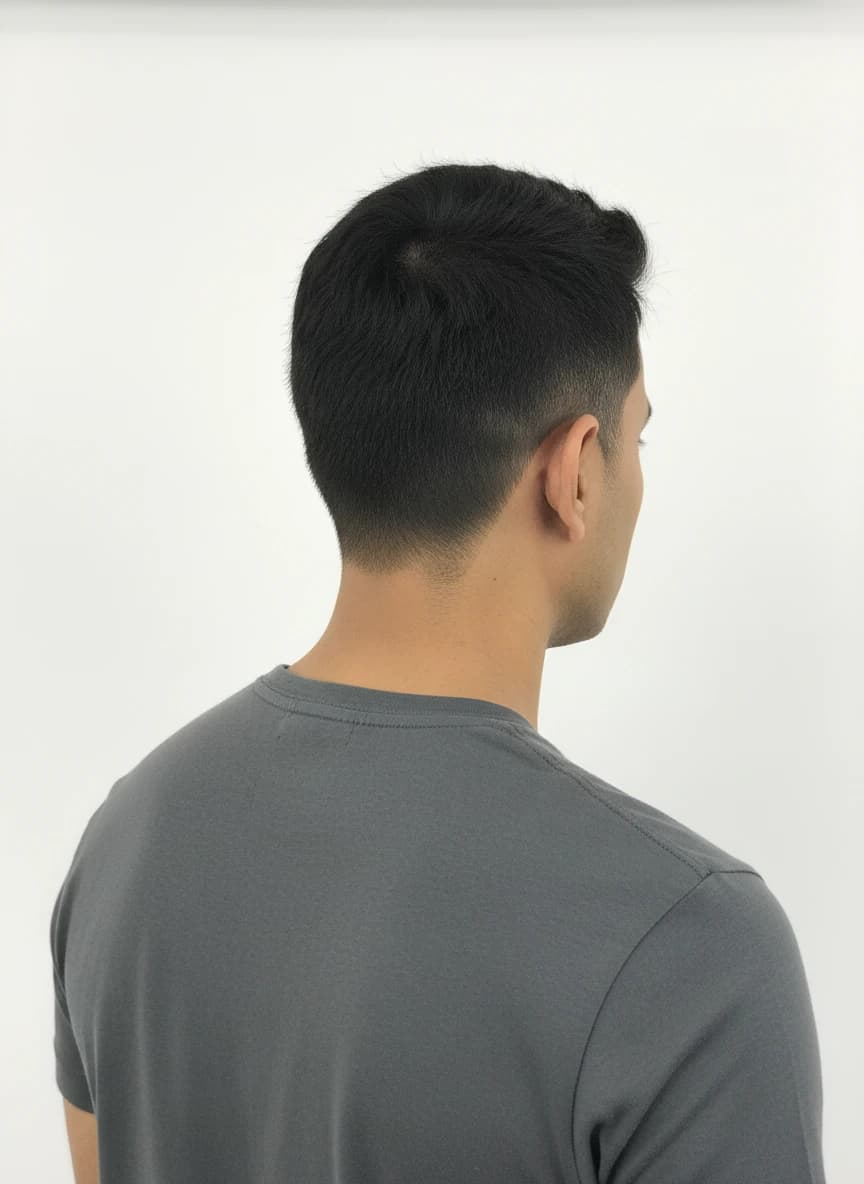 Before
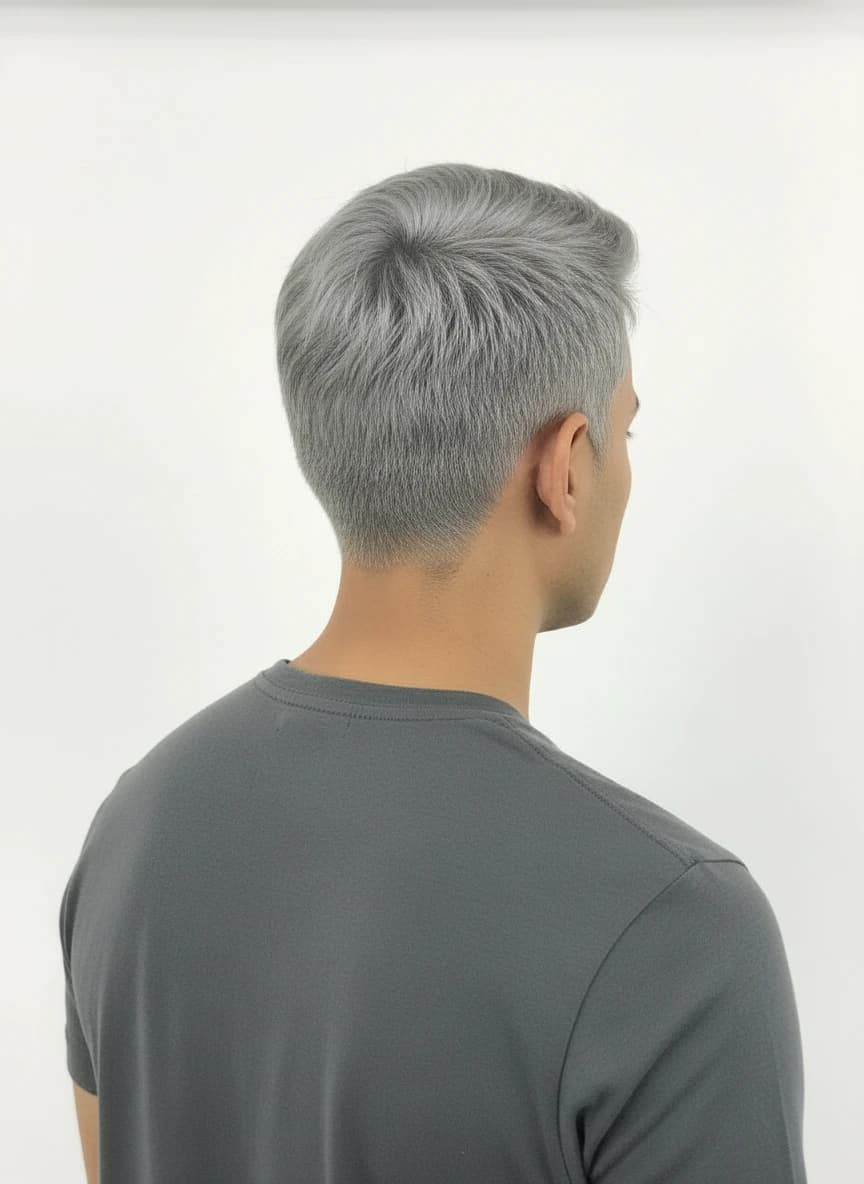 After
AfterWhy use it
- Edit hair color without learning complex photo software.
- Preview realistic color ideas before spending money on dye.
- Download results privately from your account history.
Best for
- Updating a profile photo concept
- Planning a seasonal hair color change
- Sharing options with a stylist or friend
Photo tips
- Choose photos where hair is not cropped out.
- Remove sunglasses or accessories that cover large hair sections.
- If one result looks uneven, try a brighter original photo.
Change Hair Color Online FAQ
Practical answers before you upload a photo or choose a shade.
>How do I change hair color online?
Upload a photo, choose a preset or custom shade, start the generation, and download the finished preview after processing.
>Do I need Photoshop?
No. The AI handles the hair recoloring workflow in the web app, so you do not need manual masking or advanced editing tools.
>Can it change dark hair to light hair?
It can preview lighter shades, but very dark source photos or heavy shadows may reduce realism. Try a clear, well-lit portrait.
>Are downloads private?
Generated results are delivered through private storage and signed download links rather than public provider URLs.
Ready to preview the color?
Upload a clear photo, choose a preset or custom shade, and compare realistic AI hair color ideas before you commit.
Start coloring now