Try Black Hair Online
Black Hair Color Changer
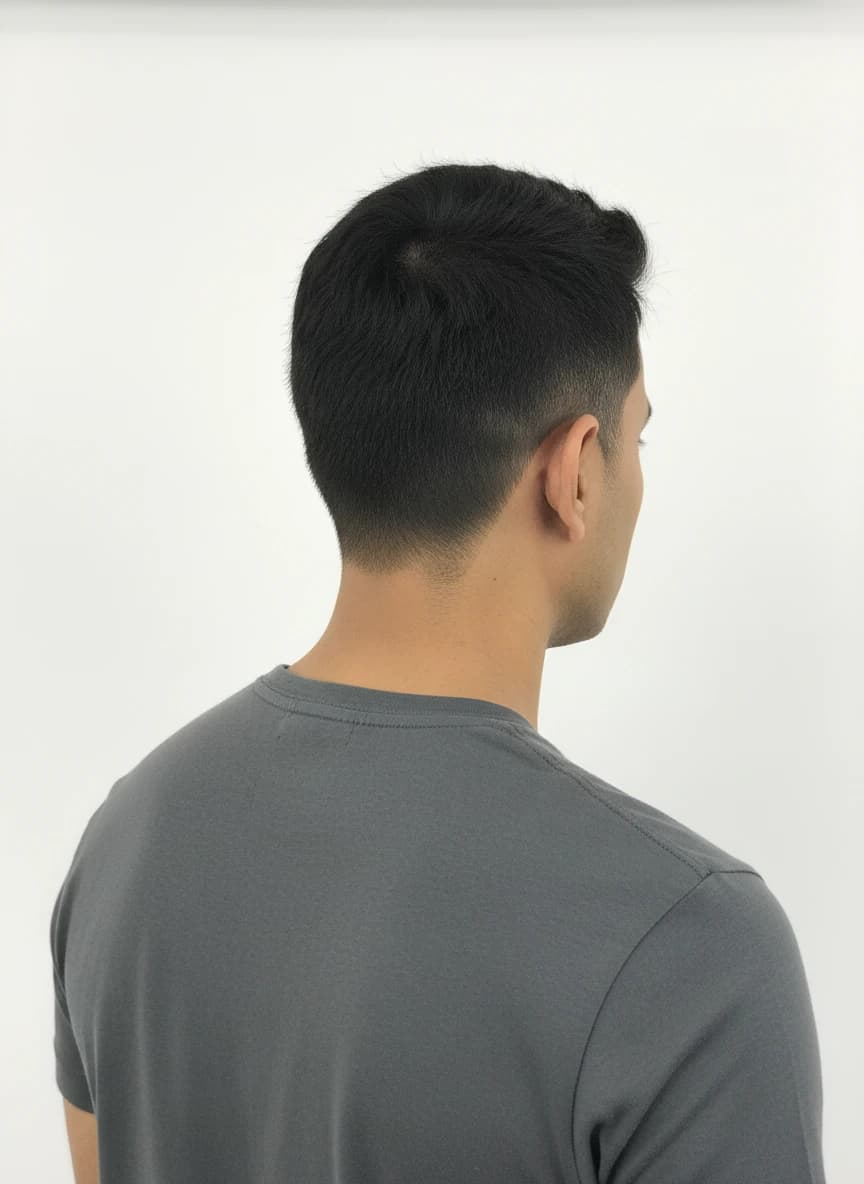
Black hair can look polished, dramatic, soft, or cool-toned depending on the shade you choose. Use this black hair color changer to preview soft black, jet black, and blue-black directions on your own photo before committing to dye.
The preview is especially helpful if you are deciding whether a darker shade will frame your face naturally or feel too intense. Upload a clear portrait, compare a few black tones, and save the result that feels closest to your goal.
Before
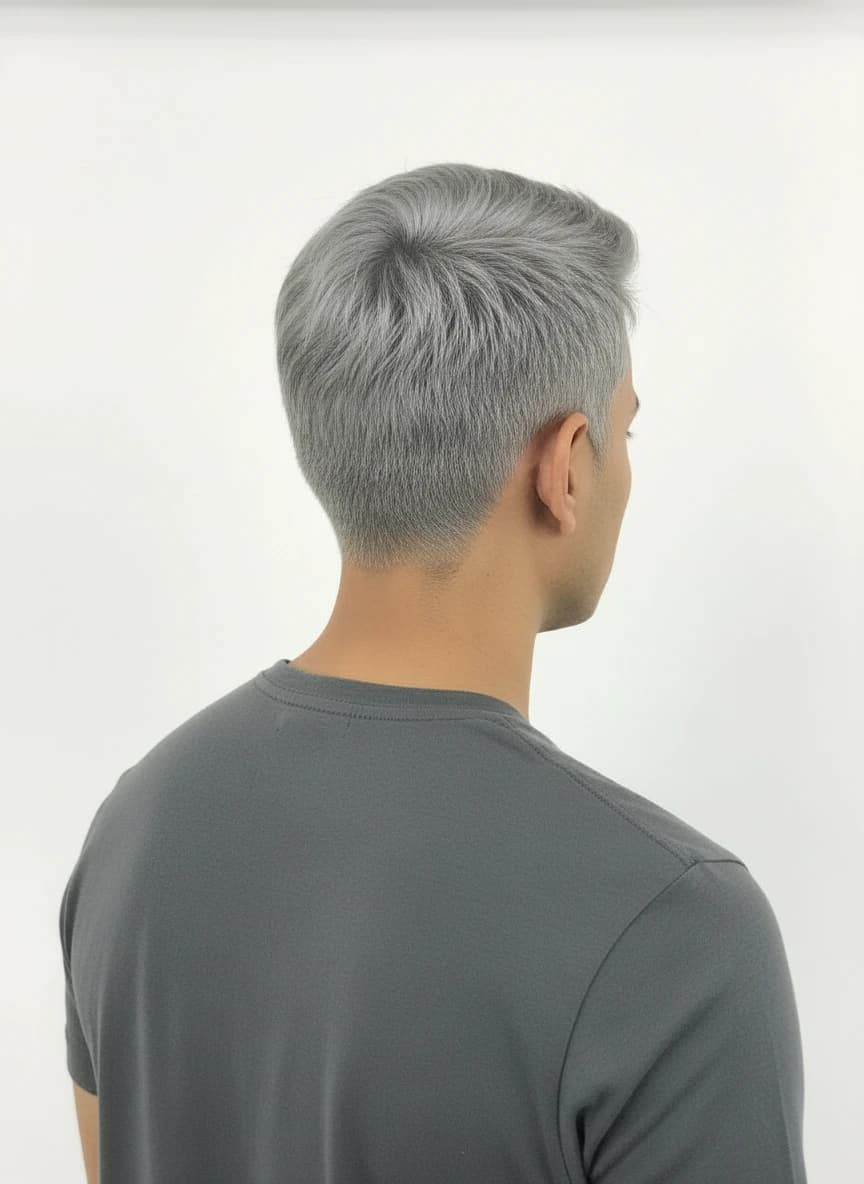
AfterWhy use it
- Preview black and blue-black shades before making a darker change.
- Compare soft, neutral, and cool-toned black hair ideas.
- Check whether a dark shade works with your face, lighting, and style.
Best for
- Trying black hair before a salon appointment
- Comparing natural black and blue-black color ideas
- Planning a sharper profile photo or seasonal hair refresh
Photo tips
- Use a bright photo so dark hair detail does not disappear.
- Avoid heavy shadows around the hairline when testing black shades.
- Compare black against silver or red if you are unsure about contrast.
Black Hair Color Changer FAQ
Practical answers before you upload a photo or choose a shade.
>Can I try black hair online?
Yes. Upload a clear portrait and choose a black, blue-black, or custom dark shade to generate a preview.
>Is blue-black different from regular black hair?
Yes. Blue-black usually has a cooler tone that can look deeper or more reflective than a neutral black shade.
>Will black hair hide detail in my photo?
Very dark results can lose detail if the original photo is shadowy. Use a well-lit image for a more useful preview.
>Can I compare black hair with other colors?
Yes. Generate several previews from the same photo and compare black with silver, red, blonde, or vivid colors.
Ready to preview the color?
Upload a clear photo, choose a preset or custom shade, and compare realistic AI hair color ideas before you commit.
Start coloring now